

Subclass 485 visa processing time is a...
Read More-
Amit Taya (Perth): +61 426 488 909 | Harmandeep Kaur (Adelaide): +61 8 8120 4199
Amit Taya (Perth): +61 426 488 909 | Harmandeep Kaur (Adelaide): +61 8 8120 4199
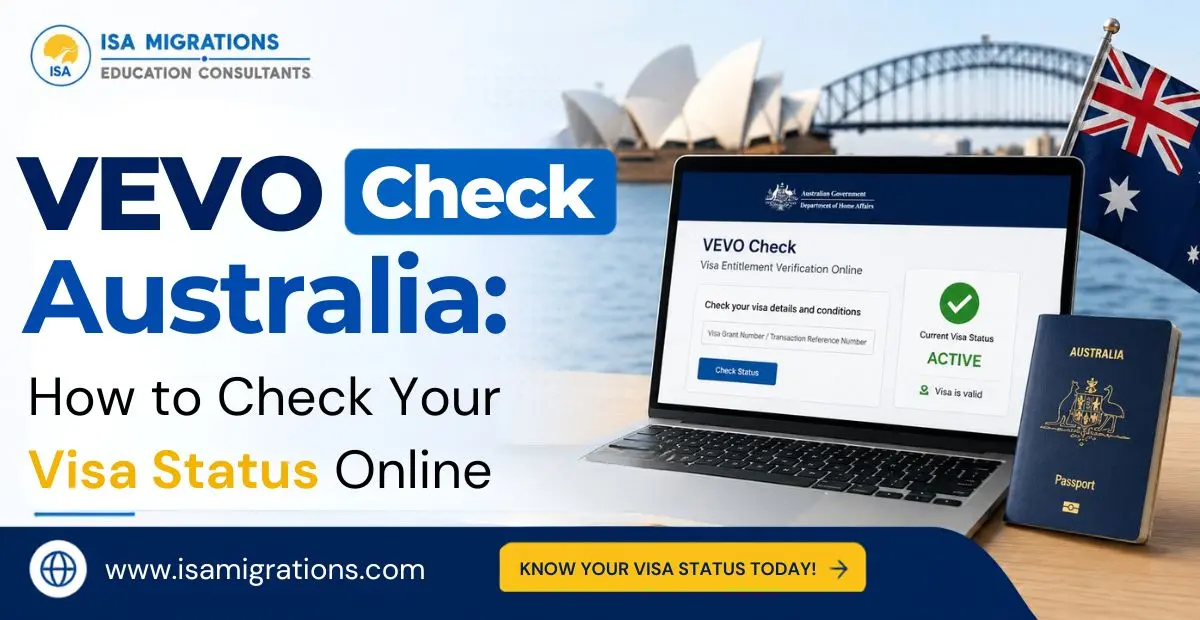
A VEVO check is a practical way to confirm the current status of your Australian visa, expiry date and conditions before you make decisions about work, study and travel. The DHA also provides a VEVO enquiry service for users who encounter problems, with the Department aiming to respond to eligible enquiries within five working days. In this guide, we will take a look at what VEVO shows, who can use it, what information you need and how to check Australian visa status online.
A VEVO check in Australia is an online service from the DHA that lets visa holders view their current Australian visa details and conditions. A VEVO check can show information such as visa type, expiry date, period of stay, work rights and other applicable conditions.
Also Read: How to Track Your Australia Visa Application Status Easily?
A VEVO visa details check shows information about your current in-effect visa, including its status, expiry date, period of stay and applicable conditions. For a detailed breakdown, go through the table given below:
| VEVO Detail | Information Provided |
|---|---|
| Visa class and subclass | Identifies the visa that has been granted to you. |
| Visa stream or education sector | Identifies the stream or education sector associated with your visa. |
| Visa description | Identifies the type of visa, such as Student, Visitor or Resident Return. |
| Visa applicant | Indicates whether you are the primary applicant or a secondary applicant. |
| Visa grant date | Provides the date when the Department granted your visa. |
| Visa expiry date | Provides the relevant expiry date for temporary visa holders or the travel facility date for permanent visa holders. |
| Visa status | Indicates the current status of your visa. |
| Entries allowed | Indicates whether your visa permits single or multiple entries. |
| Must enter before date | Provides the date by which you must enter Australia where this requirement applies. |
| Must not arrive after date | Provides the applicable date by which you must arrive in Australia. |
| Period of stay | Indicates how long you are allowed to remain in Australia. |
| Location | Indicates whether you are inside or outside Australia when the VEVO check is made. |
| Work entitlements | Indicates whether you are permitted to work in Australia. |
| Workplace rights | Provides information about Australian workplace rights and protections. |
| Study entitlements | Indicates whether you can undertake a course of study on your current visa. |
| Visa conditions | Details what you can and cannot do while holding the visa. |
A VEVO check allows Australian visa holders to view their own current visa details and conditions. Moreover, registered organisations can also verify visa details, provided the visa holder has given the required permission.
Note: VEVO can’t confirm Australian citizenship – citizens should use their passport or citizenship certificate instead. Organisations also need the appropriate ImmiAccount access to use VEVO.
Read More: Top Tips to Boost Your Australia PR Points Score
When it comes to checking visa status, you need an accepted travel document, a reference number and your date of birth. You must also enter the document details correctly, alongside the country of the document where required.
To learn how to get VEVO check, access the official VEVO service and enter your travel document, reference number and personal details. You can then submit the information to view your current visa details and conditions. Here are the exact steps that you need to follow:
If you feel unsure how to interpret the information returned by VEVO, a registered migration agent can explain your visa conditions and what they mean for your circumstances.
Learn More: English Test for Australian Immigration – Everything You Should Know
Your visa conditions can change with renewals, travel history or a passport update, so it’s worth running a VEVO check before any major decision – a new job offer, enrolling in a course, or booking international travel. It only takes a couple of minutes, and it saves you from relying on outdated visa grant letters or assuming your conditions haven’t shifted. If your results ever look off or unclear, a registered migration agent can help you make sense of them before you act on incorrect information.
ISA Migrations and Education Consultants can help clarify the requirements that apply to your situation. An immigration consultant in Perth from our team can explain your current options and relevant visa pathways with complete transparency.
Yes, checking your own visa details through the official VEVO service doesn’t cost anything.
Yes. VEVO shows whether you’re permitted to work in Australia, along with any applicable work conditions or restrictions.
First check that the information you entered is correct. If the issue remains, use the Visa Entitlement Online Enquiry form and attach your travel document or ImmiCard along with a screenshot of the error.
No. Employers, education providers and other organisations can only check your visa details through VEVO if you’ve given them permission to do so.